


Linphone is a popular softphone aimed at users who want to leverage VoIP technology both on a basic and professional level. It is open-source software, with no paid usage plan, and is available for popular operating systems such as OSX and Linux. It is extremely easy to use and configure, as we will see below.
The following guide covers the installation process for the MAC operating system.
1.Download the program here and select "Agree."
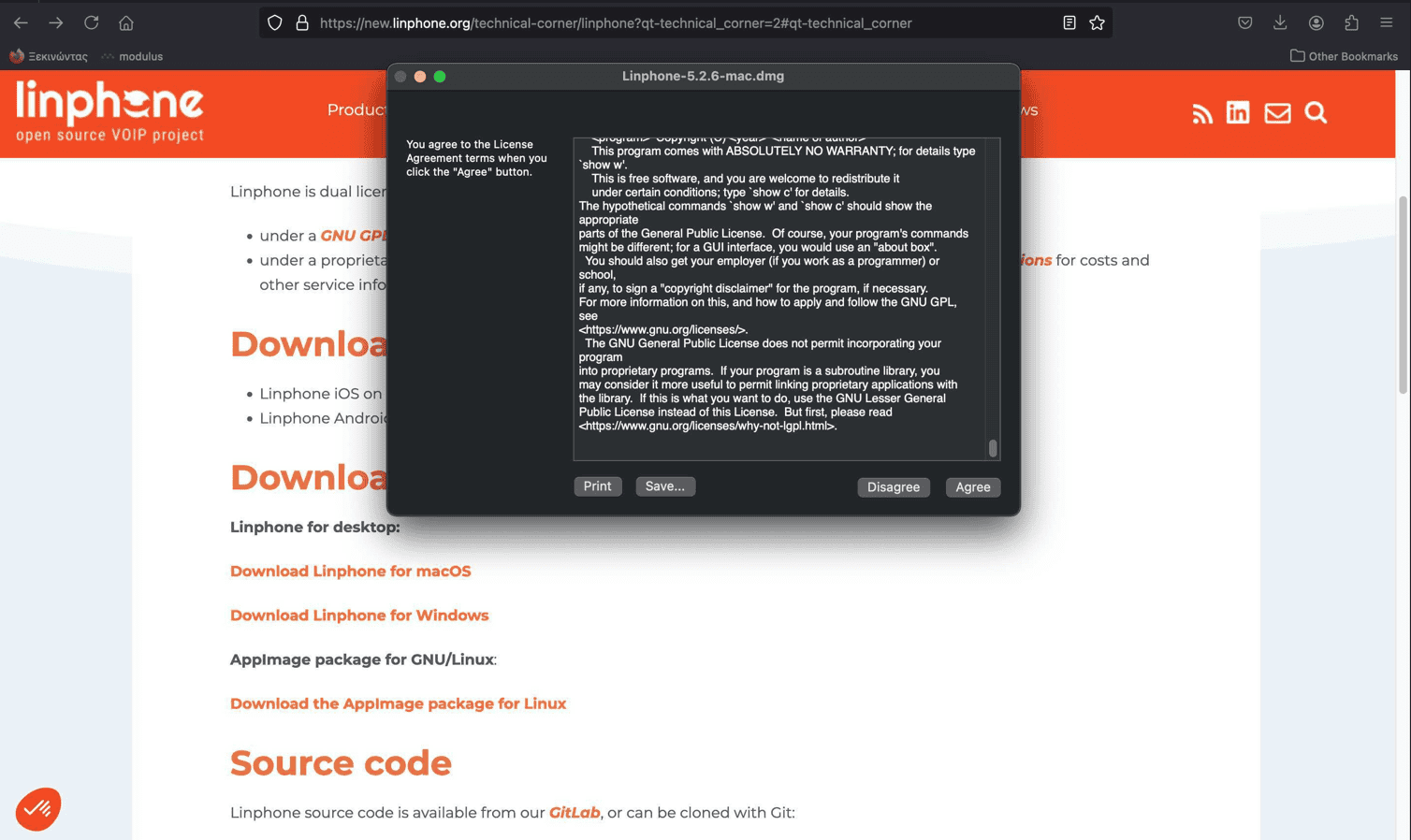
- Select to accept the licenses.
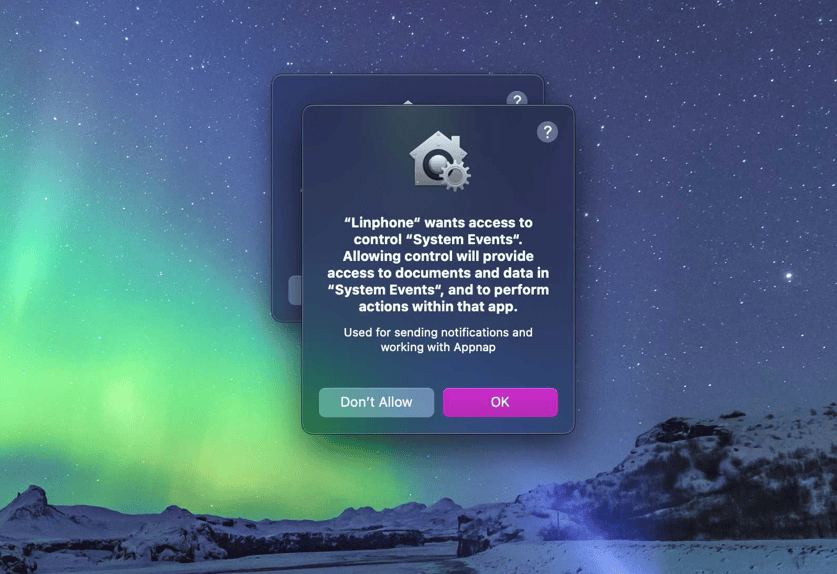
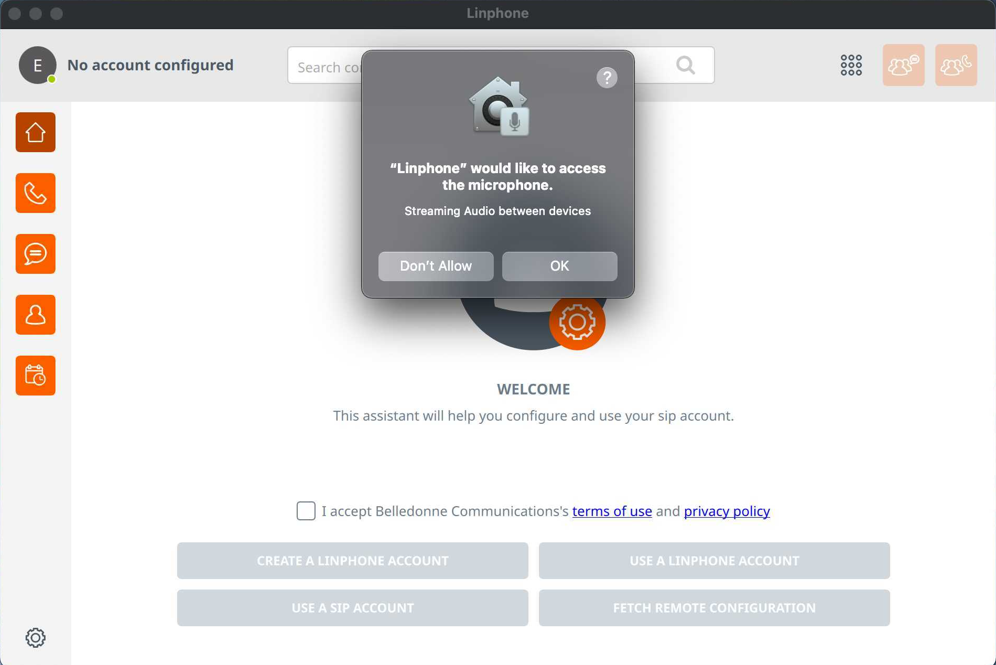
- Προχωρήστε στην εγκατάσταση. Με την ολοκλήρωση της διαδικασίας, θα εμφανιστεί η αρχική οθόνη της εφαρμογής.
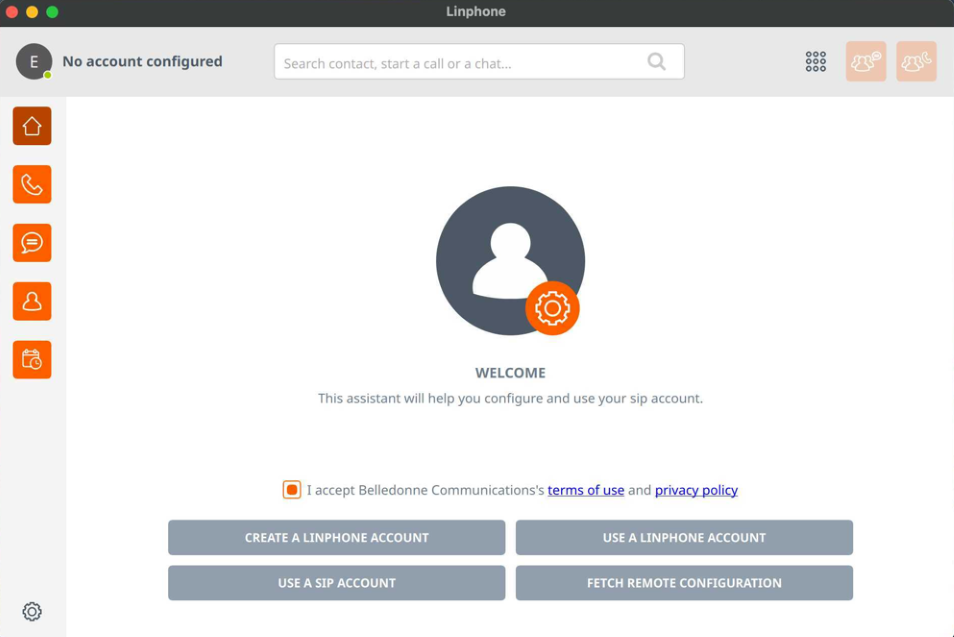
Application Configuration
4. On the application's home screen, select USE SIP ACCOUNT.
.png)
On the screen that appears, fill in the fields with your account login details:
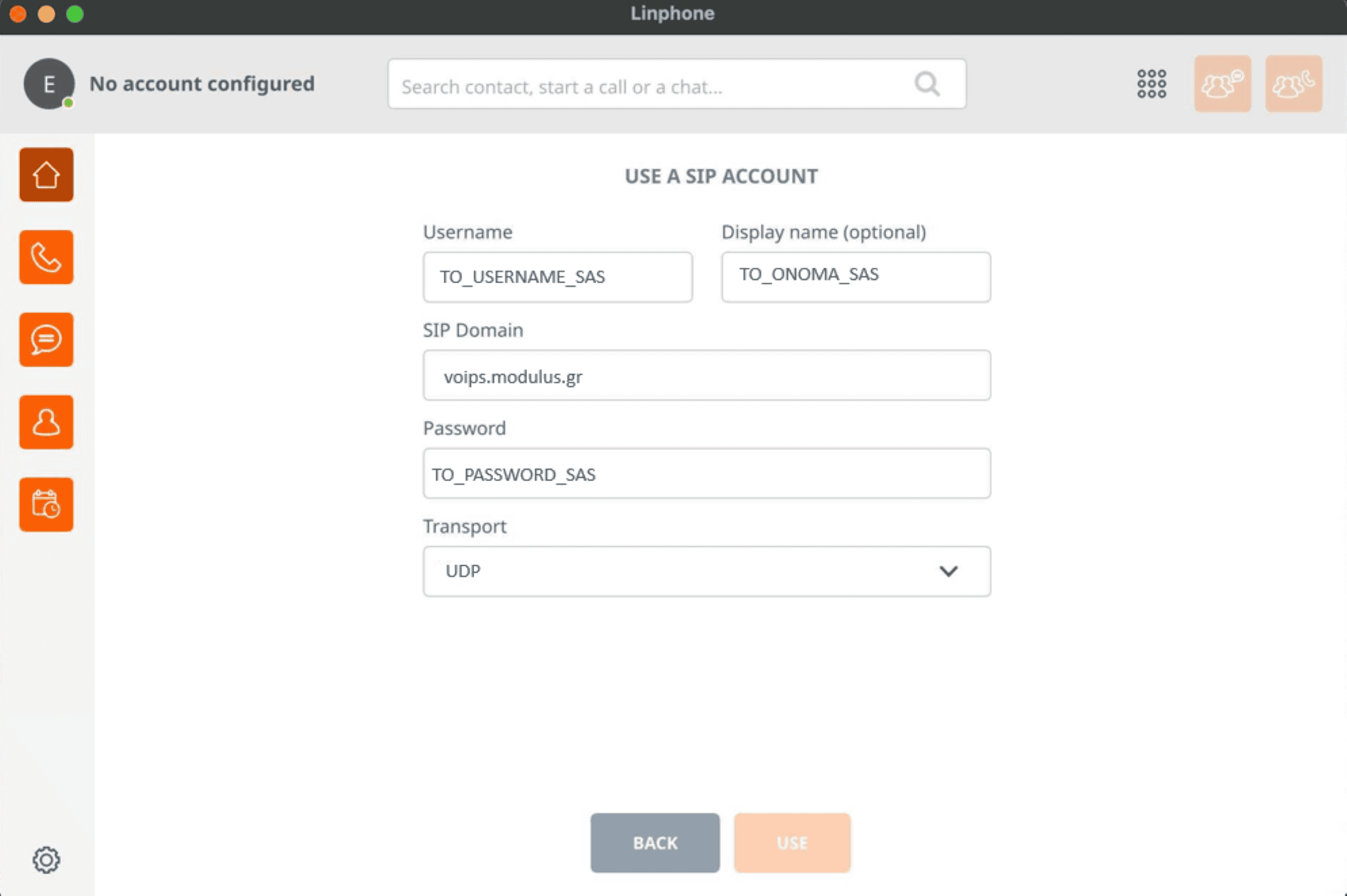
5. SIP Domain:voips.modulus.gr.
6. Password: The password that was sent to you via SMS.
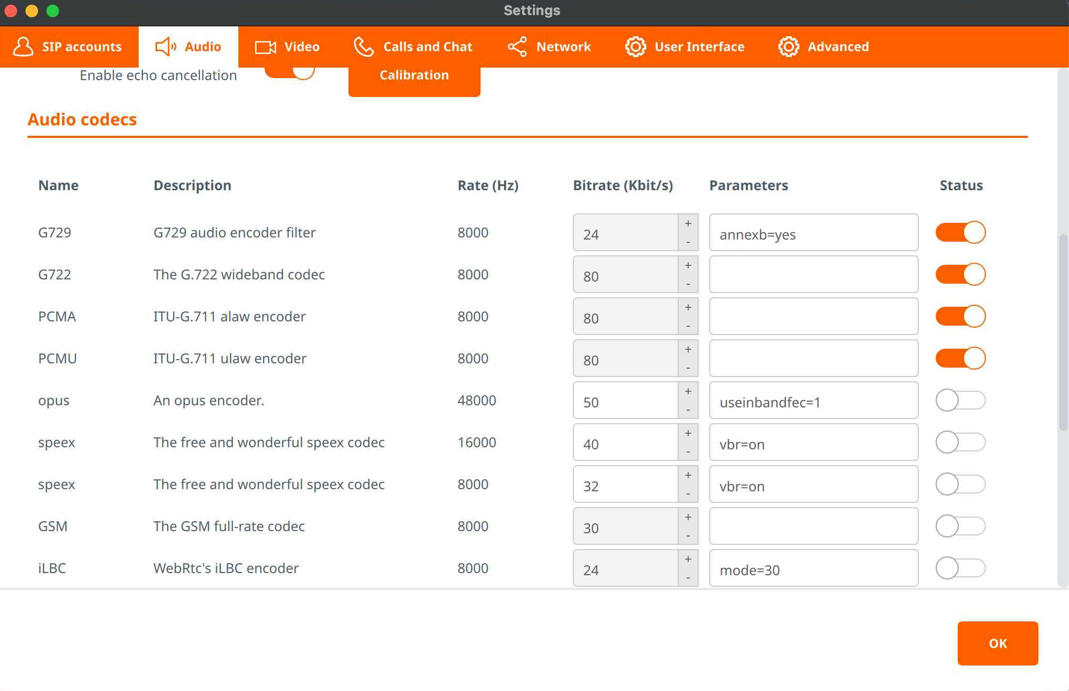
7. In the AUDIO tab -> Audio codecs, make the appropriate configurations.
8. Once we complete entering the above details, our account will appear on the left side of the window.
9. By clicking on the account name, we can choose between multiple accounts and set one as the default.
Once we complete entering the above details, our account will appear on the left side of the window. By clicking on the account name, we can choose between multiple accounts and set one as the default. By pressing the menu button, we have the option to change program/softphone settings, add a new account, or modify an existing one.Once we complete the above steps, we are ready to use the service.